Docs / Working cases
Uploading documents & how extraction works
Uploading
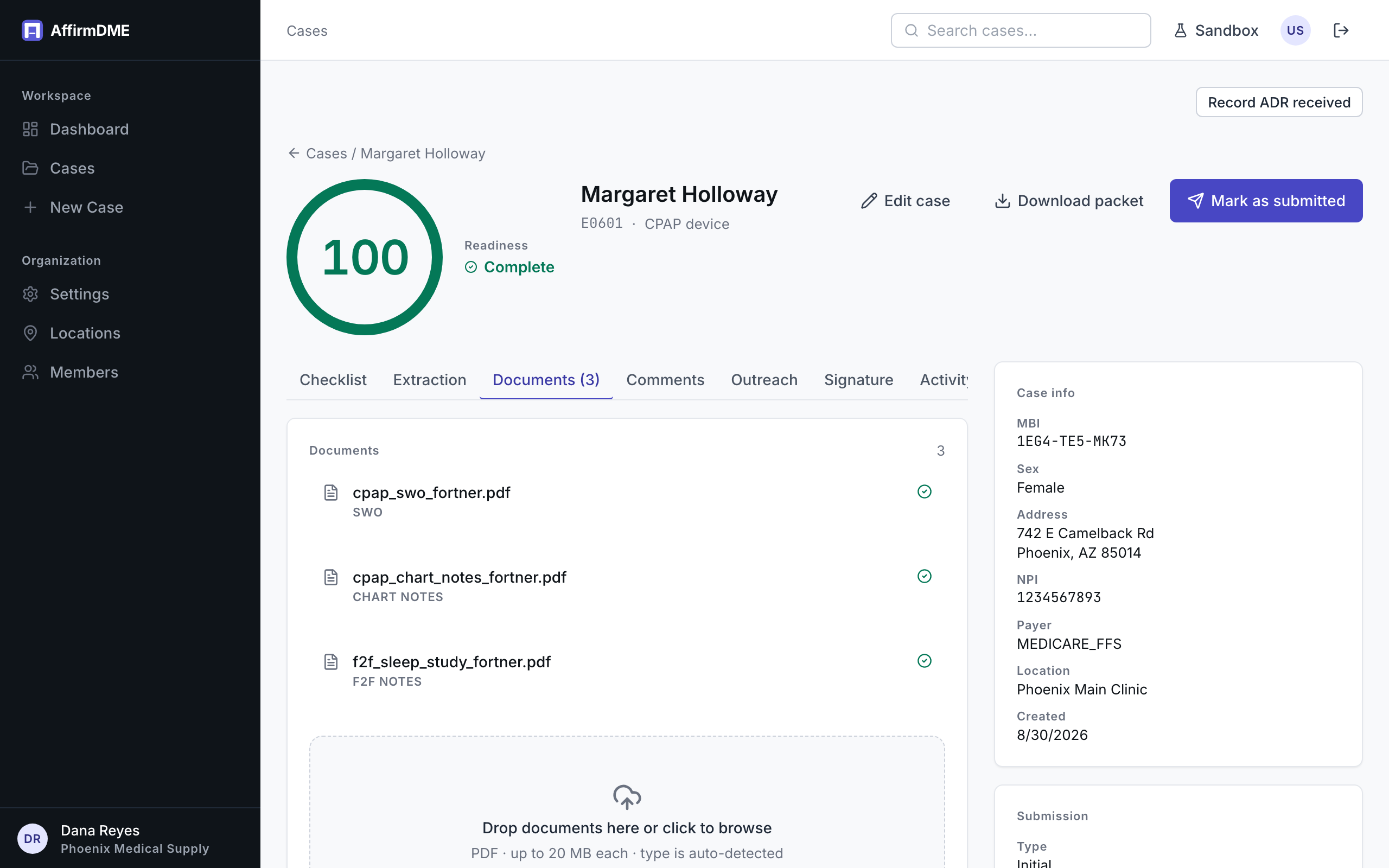
From a case’s Documents tab, upload PDFs of whatever you’ve collected — the written order, chart notes, face-to-face encounter notes, test results, delivery tickets. When you upload, you pick the document type; the AI also classifies each document independently and, when it’s confident, its classification takes effect — so a mislabeled upload usually self-corrects.
Types AffirmDME works with include SWO (standard written order), Chart notes, F2F notes (encounter documentation), and Other.
What extraction does
Each document is read by AffirmDME’s document AI (running on AWS Bedrock — see how we handle PHI), which pulls the structured facts: patient identity, prescriber and NPI, order date and signature, encounter dates, diagnosis codes, sleep-study values (AHI/RDI), blood-gas values (SpO2/pO2), and more. Those extracted facts are what the checklist evaluates.
The Extraction tab shows what was read from each document, so you can always see why a requirement passed or failed.
Statuses and timing
Documents move Queued → Extracting → Complete (or Failed). Most documents finish in about a minute; the checklist re-evaluates automatically as each one completes, so the readiness score updates live.
Limits and re-runs
- Up to 20 documents per case, and a bounded number of extraction runs per case — generous for real cases (typically 4–12 documents)
- A failed or oddly extracted document can be reprocessed from its row on the Documents tab
- Deleting a document removes its extraction and re-evaluates the checklist